🚀 UUSI: Nero USBxCopy 2027Nopeasti. Turvallisesti.
Nopeasti. Turvallisesti.
Samanaikaisesti.
USB-muistitikkujen turvallinen kopiointi ja tyhjentäminen.
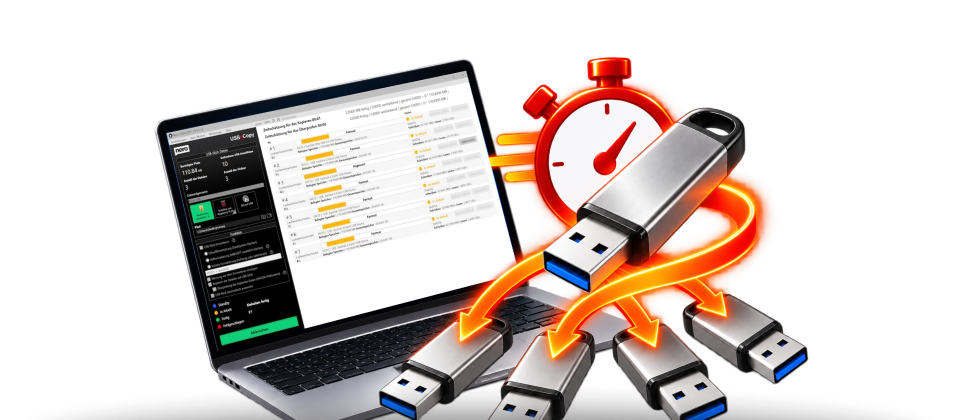
Kopioi tiedostoja ja kansioita samanaikaisesti useille USB-muistitikuille – nopeasti, helposti ja luotettavasti. Säästä aikaa ja kopioi tietosi vain muutamalla napsautuksella.
€ 39,95 Osta nyt »
Lisää USB-virtaa
Nero USBxCopy 2027: Kopioi tiedostosi ja kansiosi vaivattomasti useille USB-muistitikuille samanaikaisesti. Säästä arvokasta aikaa, vähennä manuaalista työtä ja hyödynnä nopeaa, helppoa ja luotettavaa tiedonsiirtoa.
Helppo käyttää
01
USB-muistitikkujen liittäminen
Liitä haluamasi USB-muistitikut tietokoneeseen. Nero USBxCopy tunnistaa liitetyt laitteet automaattisesti.
02
Valitse tiedostot
Valitse tiedostot ja kansiot, jotka haluat kopioida. Määritä sen jälkeen haluamasi kohdelaitteet.
03
Kopioinnin aloittaminen
Käynnistä kopiointi yhdellä napsautuksella. Nero USBxCopy siirtää tiedot samanaikaisesti useille USB-muistitikuille – nopeasti, helposti ja luotettavasti.
Function overview
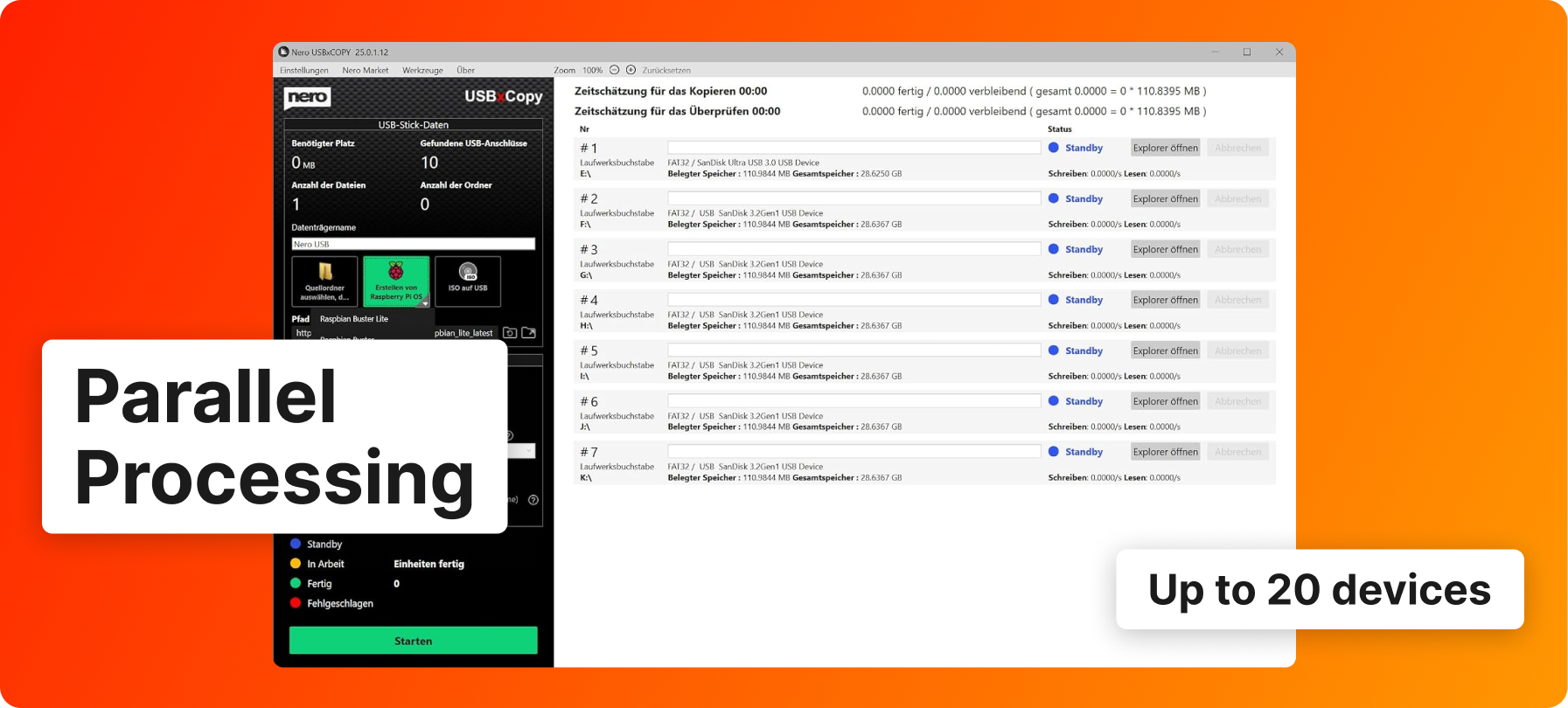
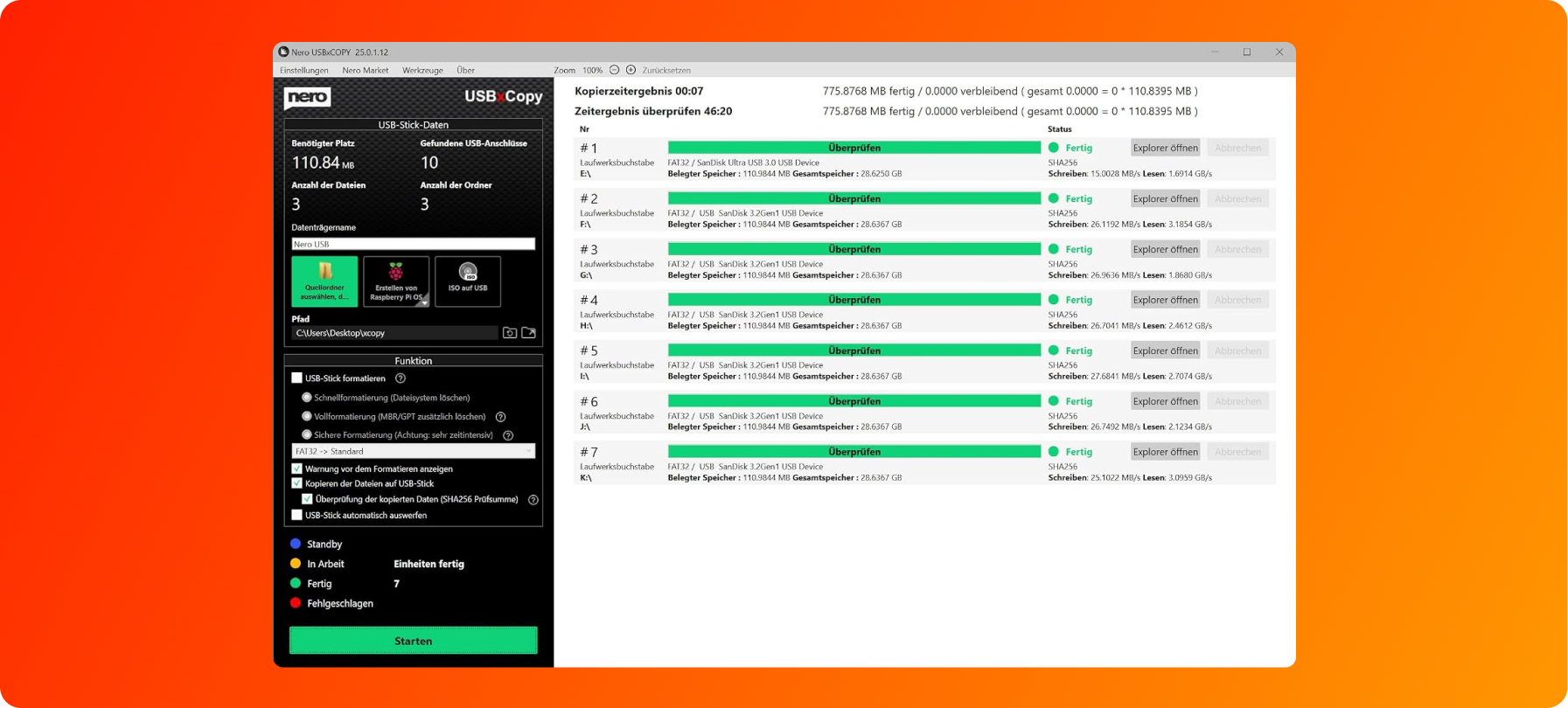
The Nero USBxCopy tool automatically detects how many devices are connected to your computer and gives you an instant overview of the format, size, and status of each device.
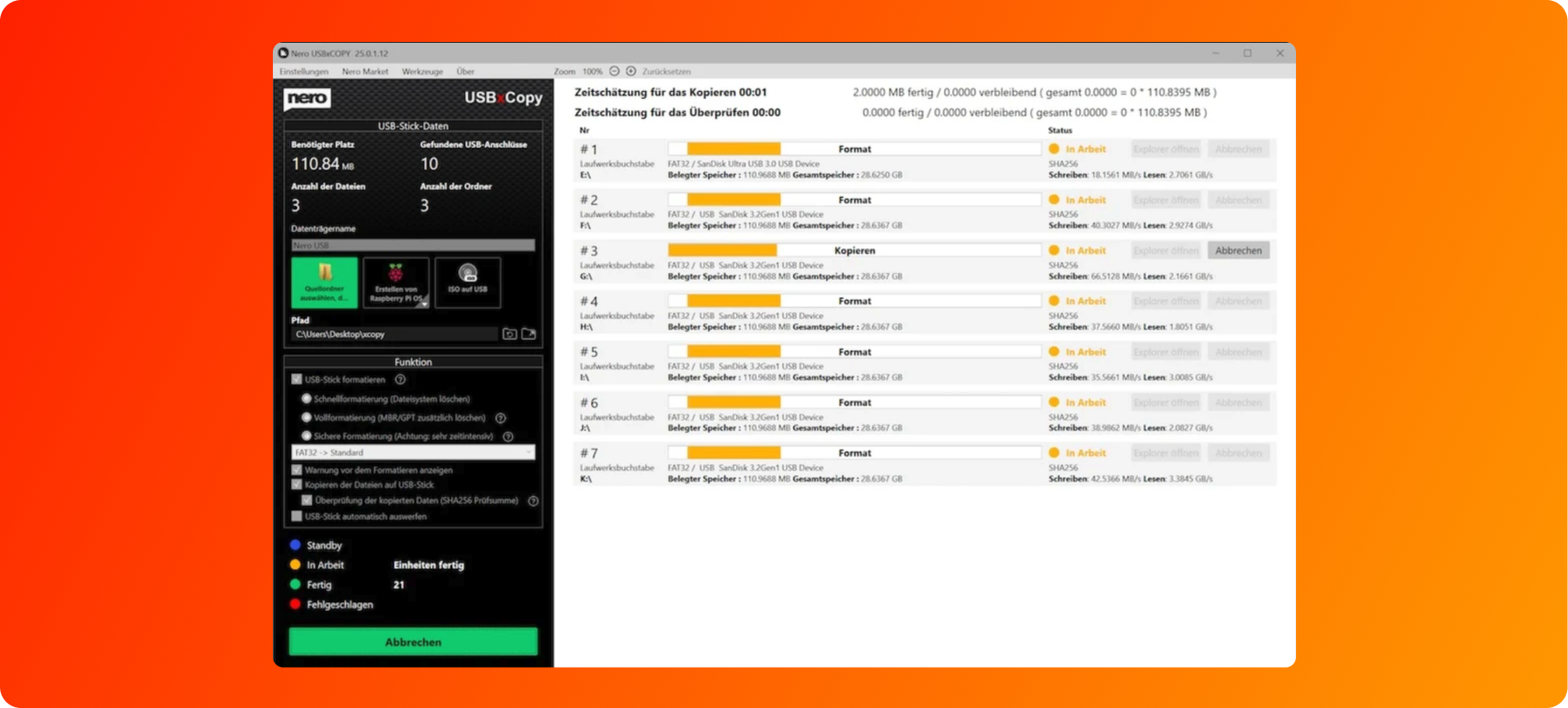
Once all your devices have been detected, you can specify the source or path of the data to be copied. You can choose to format the devices to FAT32, NTFS or exFAT and start the copy process simultaneously.
Nero USBxCopy does more than just copy files: Using an automatically generated checksum, the system checks each device and displays the copy status in color. Finished devices can be ejected automatically, while the built-in counter lets you never lose track of how many copies have been completed.
USB-kopiointiasema tietokoneellesi
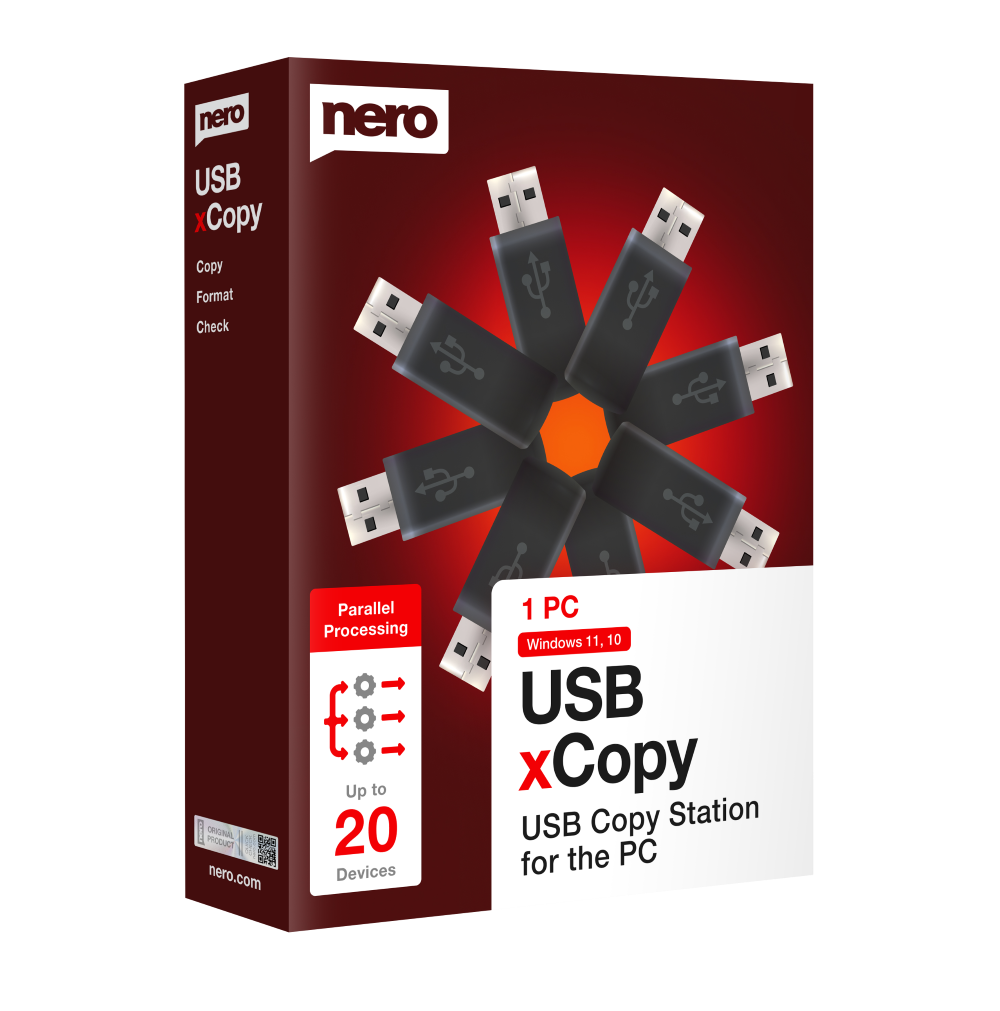
Nero USBxCopy 2027:
Lisää USB-virtaa
- Useita kopioita napin painalluksella: Kirjoita USB-muistitikkuille samanaikaisesti niin monta kopiota kuin haluat
- Nopeasti ja tehokkaasti: Säästä aikaa kopioimalla, poistamalla ja alustamalla tiedostoja samanaikaisesti
- Luotettava ja turvallinen: Virheettömät identtiset tietokopiot
Pelaa varman päälle
Easy and secure payment


Buy without risk

30 days money back guarantee
The Original

Designed in Germany
Eurooppalaiset turvallisuusstandardit
Eurooppalaiset turvallisuusstandardit
